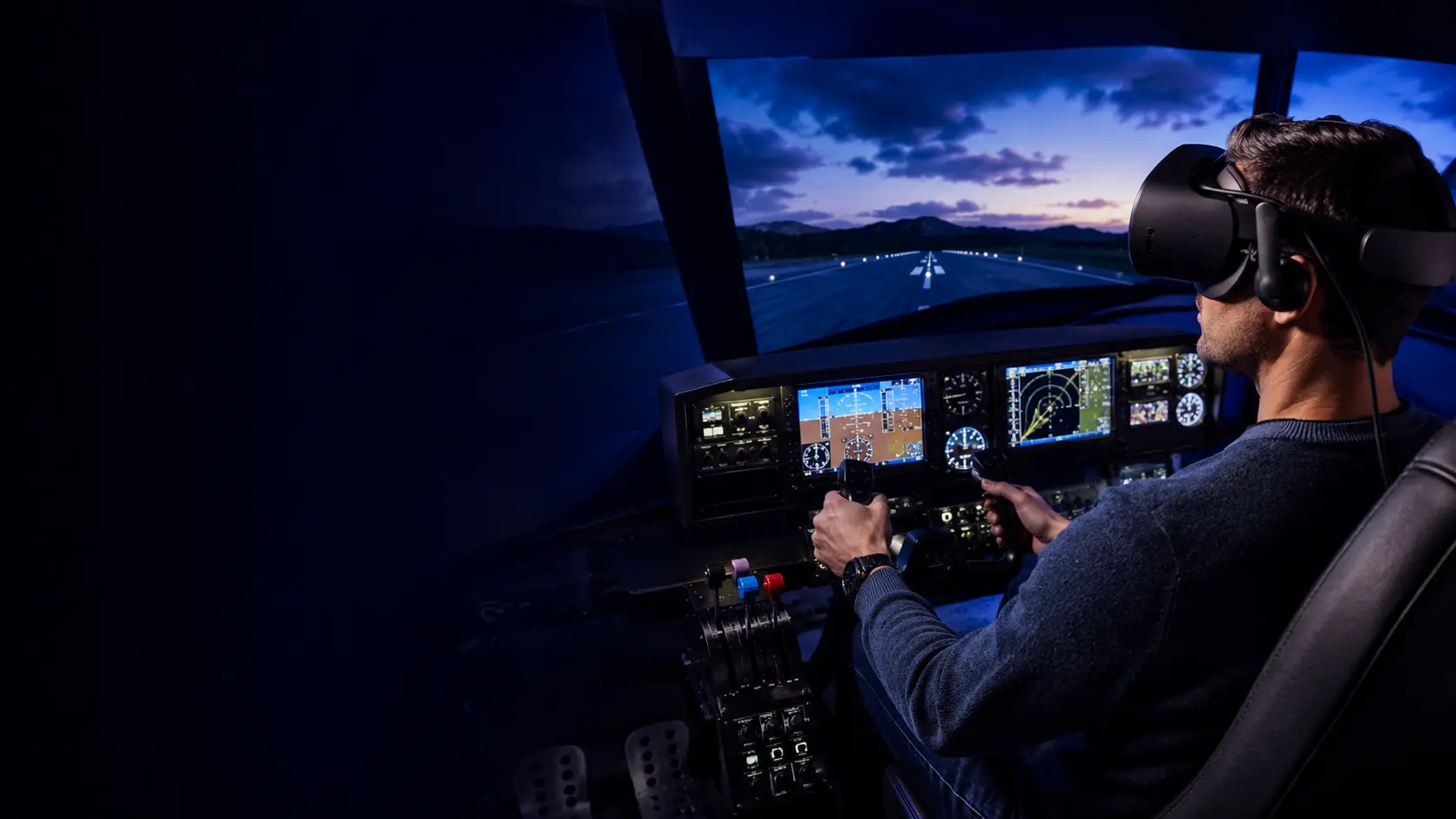
Practical guidance for building an immersive VR flight simulator—from choosing a headset and PC to selecting a yoke, HOTAS and cockpit controls.
Flight simulation is one of virtual reality’s most convincing uses. Instead of viewing a cockpit through a monitor, you can look around naturally, judge height and distance, and feel present inside the aircraft. Achieving that experience reliably requires the right balance of headset clarity, computer performance and physical controls.
Featured guide: Best VR headsets for flight simulation in 2026
Compare the Meta Quest 3, Pimax Crystal Light, Pimax Crystal Super and Bigscreen Beyond 2, with practical UK buying advice for Microsoft Flight Simulator 2024, DCS World and X-Plane 12.
Plan the complete system
The best headset cannot compensate for an unsuitable computer, and an impressive collection of switches is wasted if the controls are uncomfortable to reach. Our guides will cover complete systems at realistic UK budgets and explain which upgrades make the greatest difference.
| Part | Why it matters | What to consider |
|---|---|---|
| VR headset | Determines cockpit clarity and comfort | Lens quality, resolution, field of view and connection |
| Gaming PC | Renders detailed scenery and instruments smoothly | Graphics card, processor, memory and cooling |
| Flight controls | Provide precise and believable input | Yoke or joystick, throttle and rudder pedals |
| Chair or cockpit | Keeps controls in consistent positions | Comfort, rigidity, adjustability and available space |
Choosing a VR headset for flying
Flight simulation places unusual demands on a headset. Small instruments and navigation displays must remain readable, distant scenery needs to look clear and the headset must stay comfortable during a long flight. A wide field of view can improve awareness, while efficient software and a stable PC connection can matter as much as headline resolution.
- General aviation: prioritise readable instruments and comfortable controls.
- Airliners: cockpit text, navigation displays and long-session comfort become especially important.
- Combat simulation: smooth tracking, wide awareness and responsive controls matter alongside clarity.
Simulators we will cover
Coverage will include Microsoft Flight Simulator, DCS World and X-Plane, together with headset setup, OpenXR, graphics optimisation and suitable controls. Every guide will identify the relevant simulator version and the date its settings were checked.
Flight-simulation guides
- Best VR headsets for flight simulation in 2026: UK buyer’s guide
- How powerful your PC needs to be for VR flying
- Meta Quest flight-simulator setup guide
- Best yokes, HOTAS controls and rudder pedals
- Budget, mid-range and premium cockpit builds
- Microsoft Flight Simulator versus DCS versus X-Plane in VR
Advice grounded in real requirements
We will separate essential equipment from optional cockpit decoration, explain likely running requirements and keep compatibility information current. The objective is to help readers spend once on the right equipment instead of repeatedly buying the wrong thing—which is excellent for flying and rather less exciting for the bank account.